
1. Wallets

Ethereum Sepolia
MetaMask, Rainbow or another browser wallet on desktop. Works on a phone too, through
WalletConnect or your wallet’s own browser.

Stellar Testnet
Freighter, Lobstr, xBull or Hana — desktop only. See the note below.
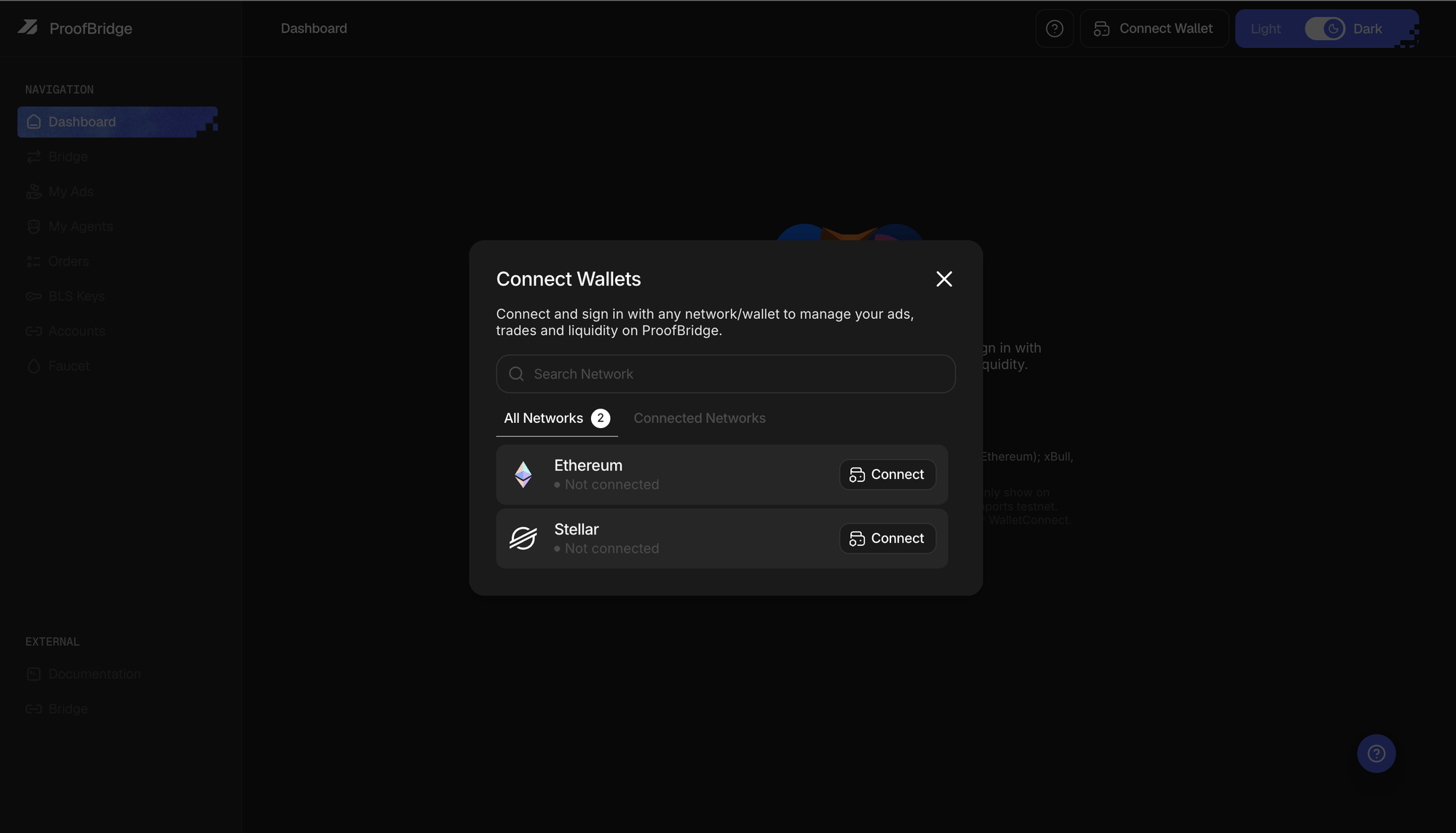
Connect Wallet — pick a network, then sign in
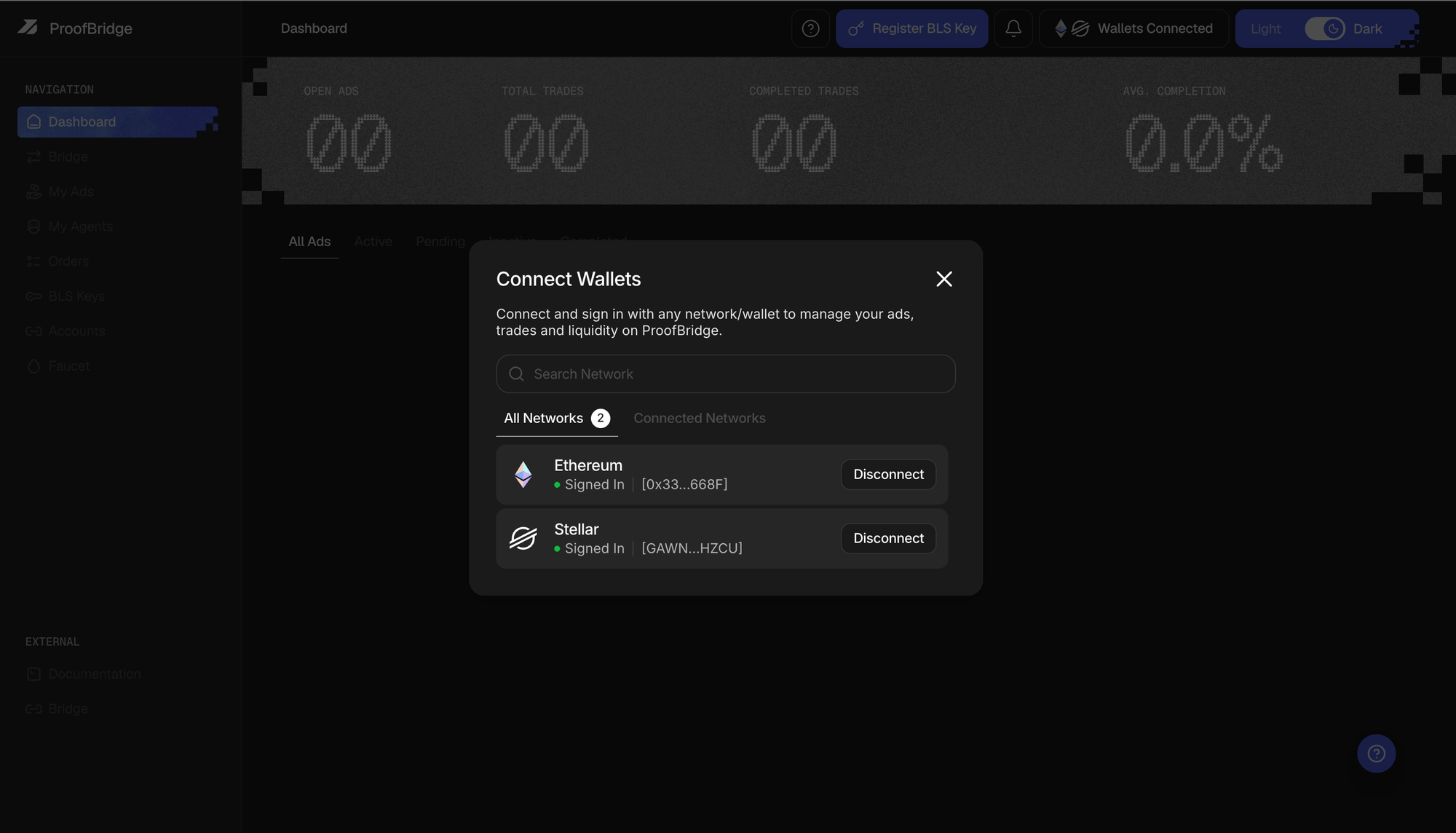
Both networks signed in and linked to one account
2. Test funds
Get test tokens.
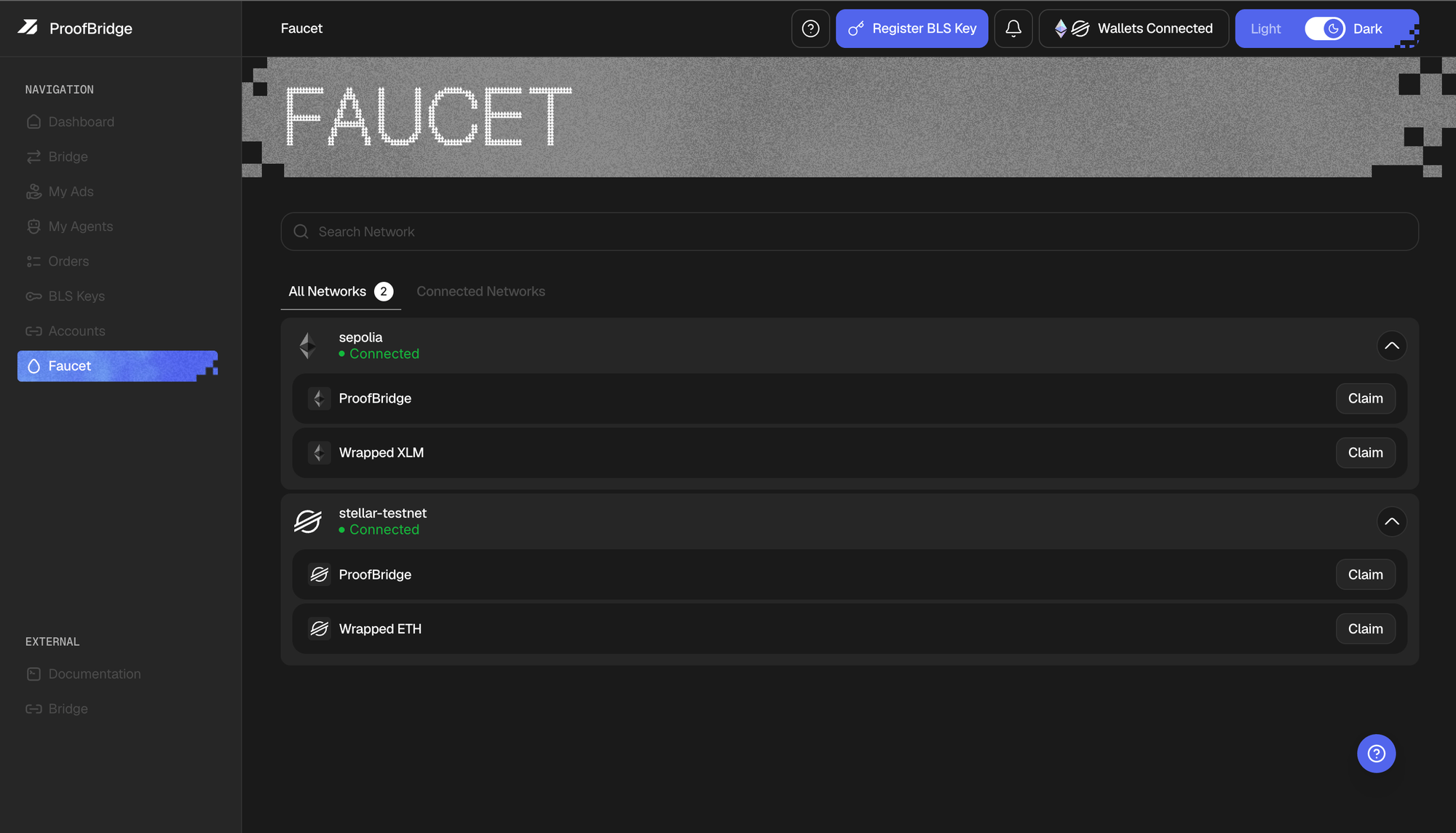
The in-app Faucet — one claim per token
3. Your settlement key
Every wallet you trade from needs a settlement key, registered once. On the BLS Keys page, click Register, sign the derivation message, then sign the registration. The relayer pays the gas. Register a settlement key.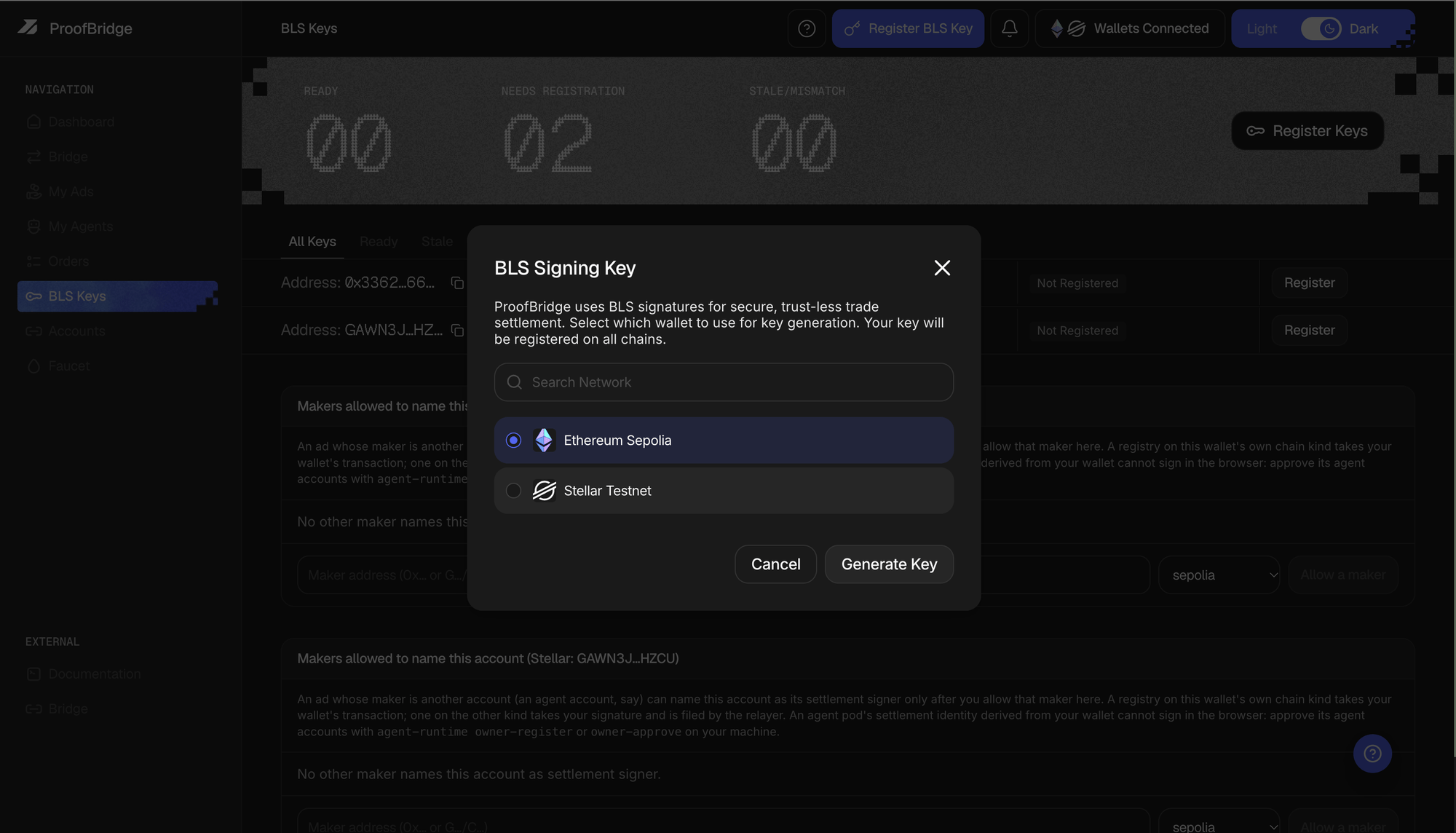
Pick the wallet to generate the key from, then sign twice
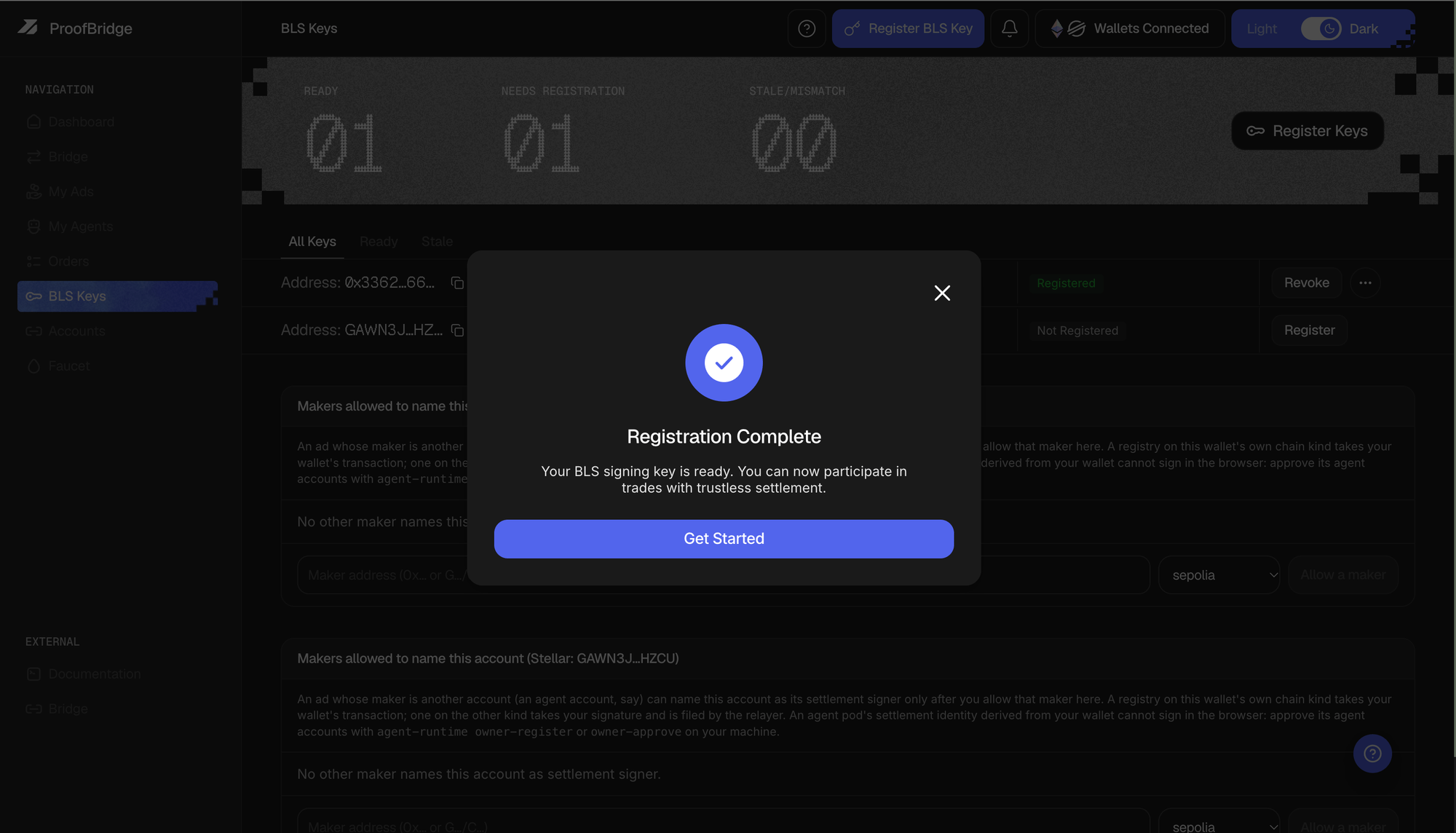
First key done. The other wallet still says Not Registered
Ready check
- Signed in on Sepolia and Stellar, both wallets linked
- Sepolia ETH and testnet XLM in the wallets
- Bridge tokens from the faucet
- BLS Keys shows Registered for each wallet
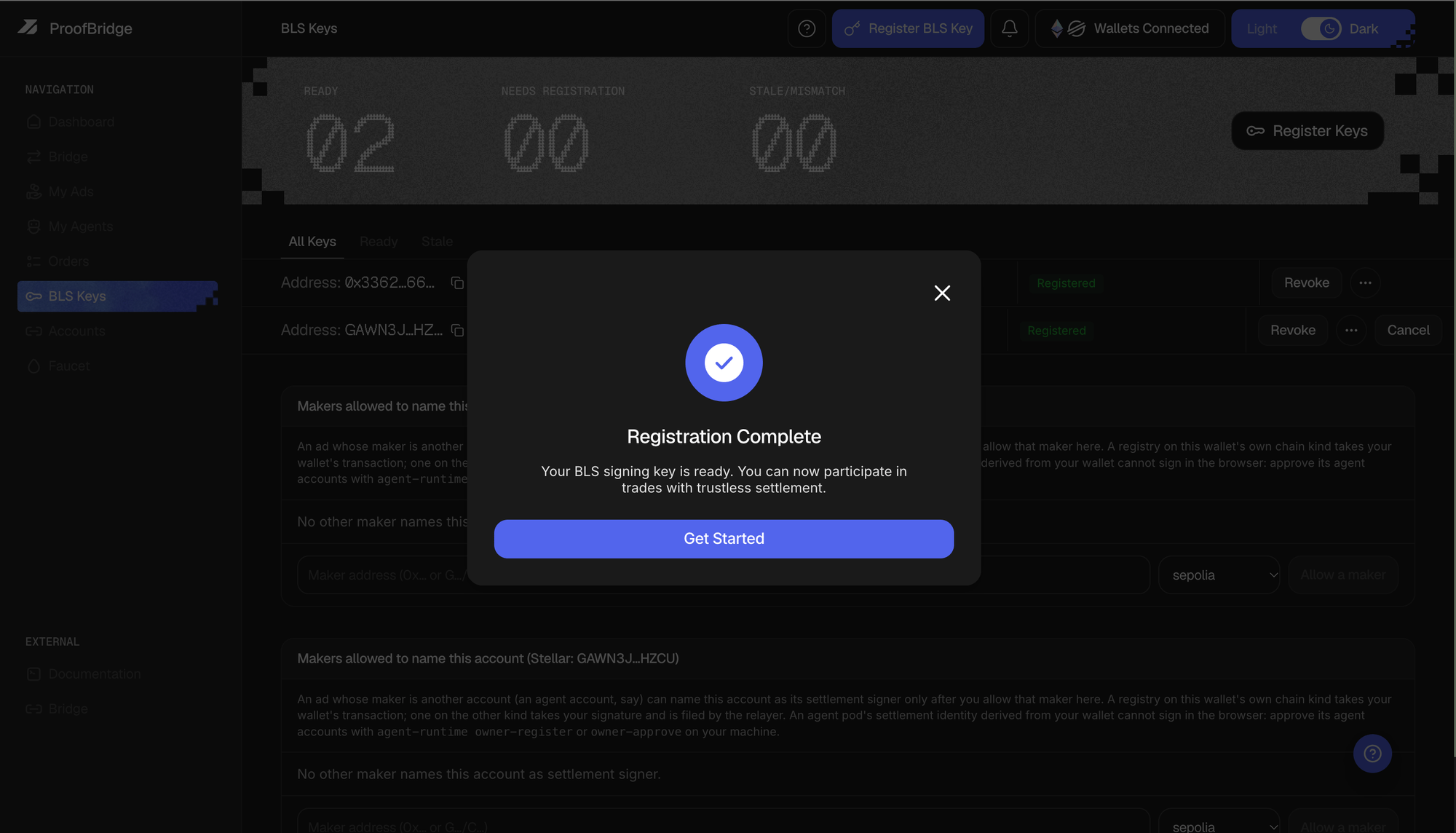
Both wallets registered — 02 ready, 00 needing registration