> ## Documentation Index
> Fetch the complete documentation index at: https://docs.pfbridge.xyz/llms.txt
> Use this file to discover all available pages before exploring further.
# Connect a wallet
> EVM and Stellar wallets, and when you need both
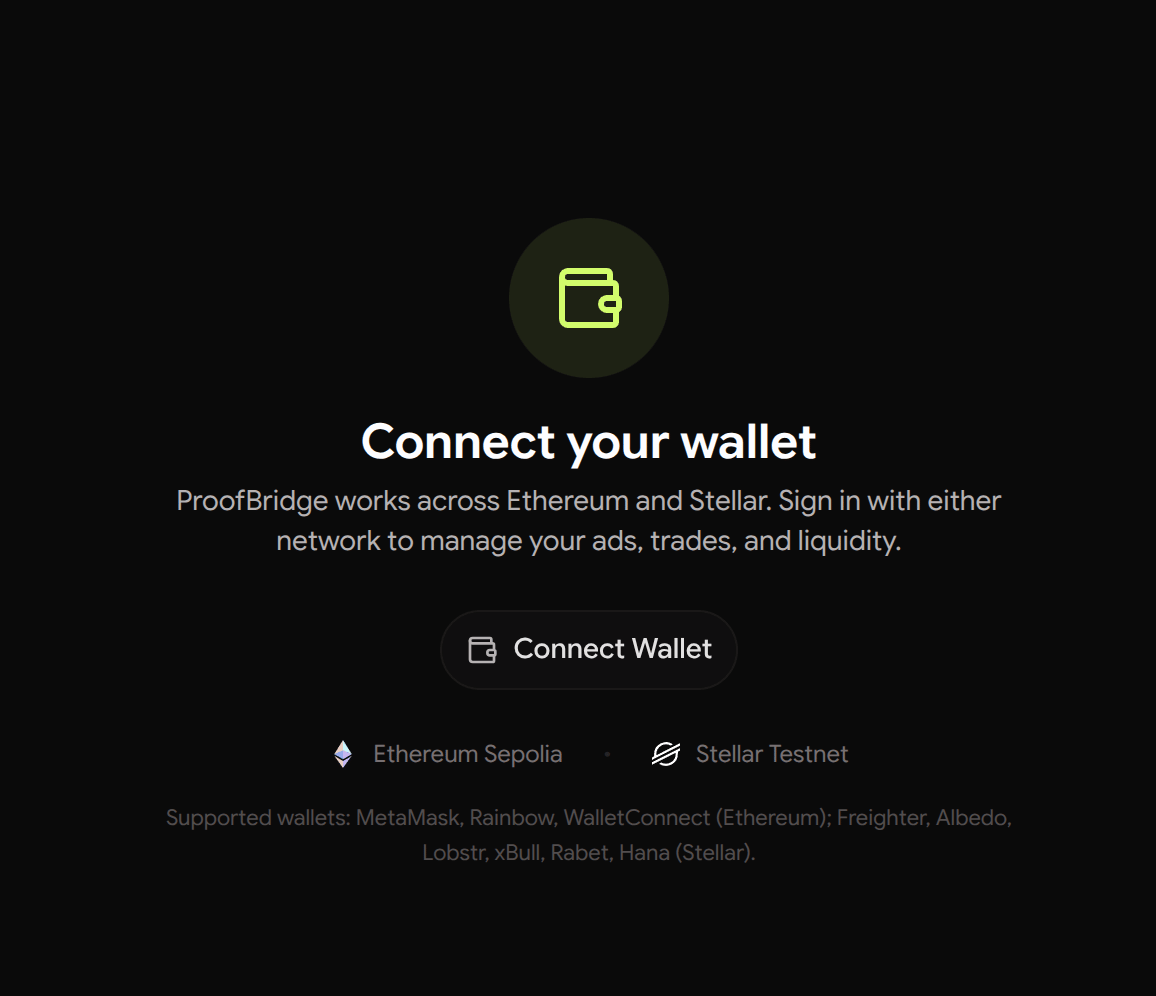
ProofBridge works with one wallet per chain:
* **EVM** (Sepolia): MetaMask, Rainbow, or any RainbowKit-supported wallet
* **Stellar** (Testnet): Freighter and other Stellar Wallets Kit wallets
 ## Which wallets do you need?
The wallet of the chain **you deposit from** is required. Connecting both
is recommended:
* as a **bridger**, your deposit wallet is on the order chain and your
destination address is on the other chain
* as a **maker**, your liquidity lives on the ad chain and you receive on
the order chain
## Sign in
Connecting prompts a one-time login signature (a challenge — no
transaction, no gas). Linking your second wallet ties both to the same
account so the app can show all your trades and sponsor key-registration
gas for either.
## Which wallets do you need?
The wallet of the chain **you deposit from** is required. Connecting both
is recommended:
* as a **bridger**, your deposit wallet is on the order chain and your
destination address is on the other chain
* as a **maker**, your liquidity lives on the ad chain and you receive on
the order chain
## Sign in
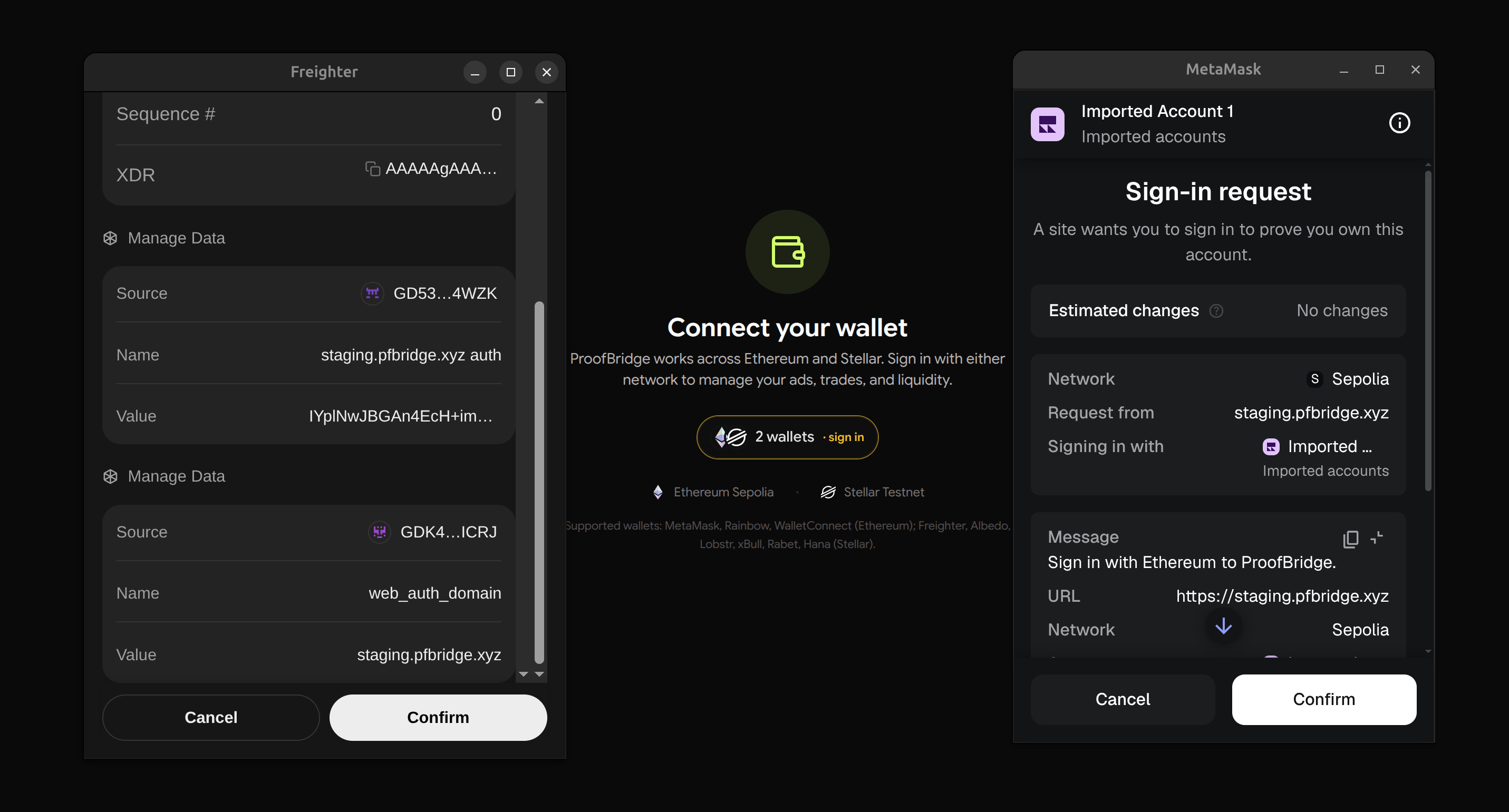
Connecting prompts a one-time login signature (a challenge — no
transaction, no gas). Linking your second wallet ties both to the same
account so the app can show all your trades and sponsor key-registration
gas for either.
 Each trading wallet also needs a one-time
[settlement key registration](/v2/concepts/settlement-keys) before it can
complete trades — the app prompts you at the right moment, or do it up
front on the **BLS Keys** page.
Each trading wallet also needs a one-time
[settlement key registration](/v2/concepts/settlement-keys) before it can
complete trades — the app prompts you at the right moment, or do it up
front on the **BLS Keys** page.